 星盾科技
星盾科技安装宝塔面板
yum install -y wget && wget -O install.sh https://download.bt.cn/install/install_6.0.sh && sh install.sh ed8484bec

#安装完官方版本以下安装开心版
curl https://io.bt.sy/install/update_panel.sh|bash
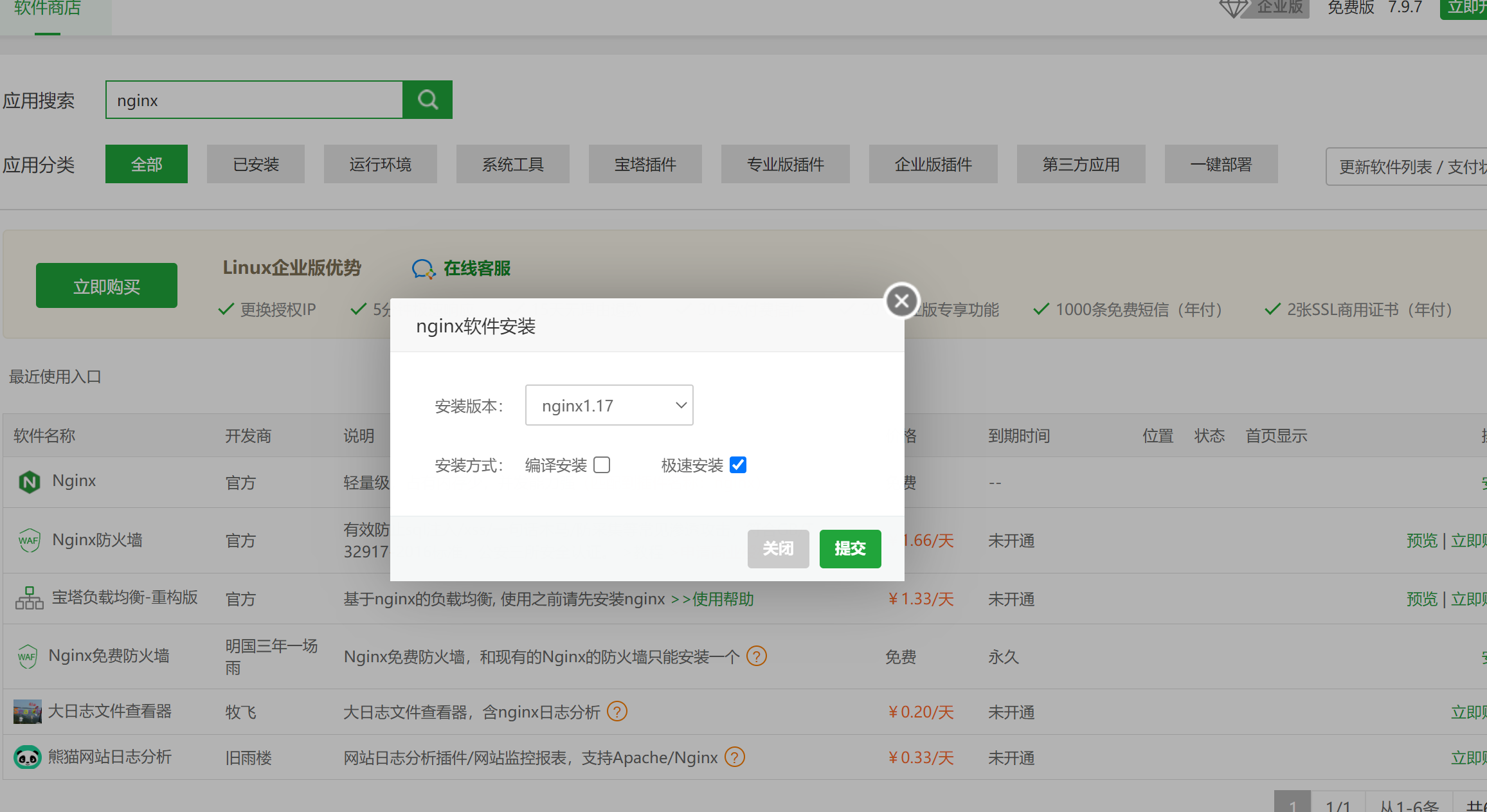
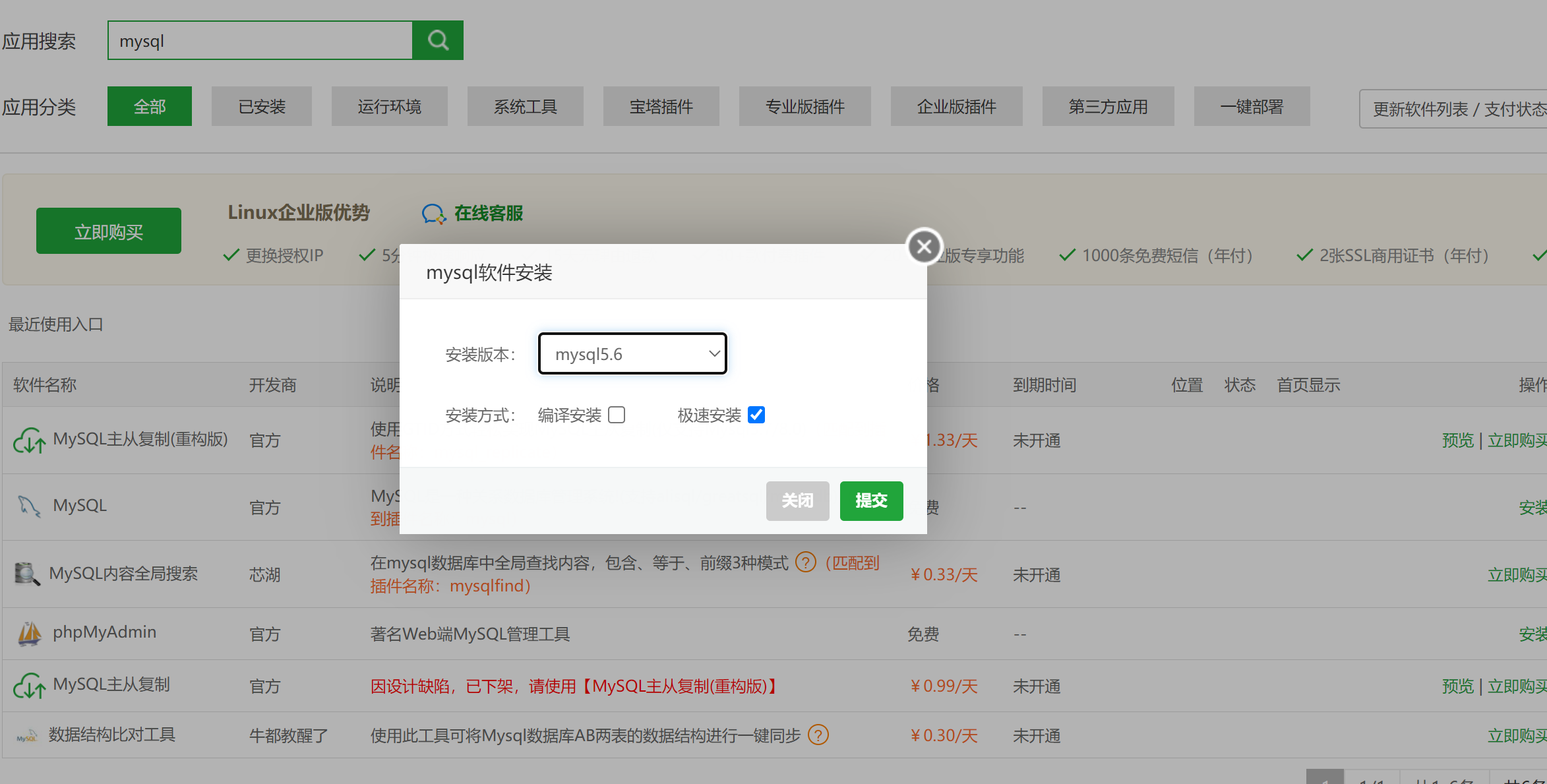
安装Nginx>=1.17 MySQL 5.6 PHP 7.4
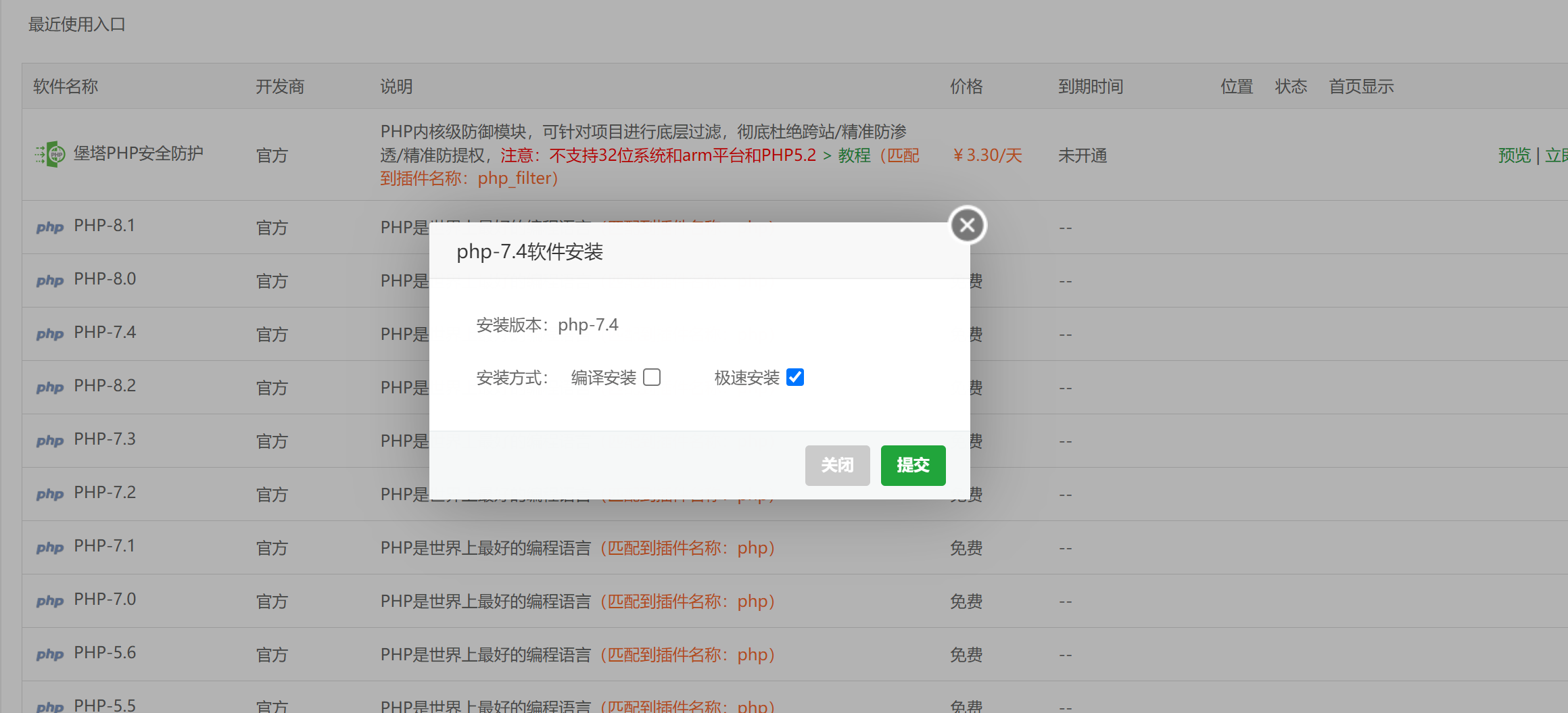
安装PHP扩展
需额外安装两个扩展:Redis、fileinfo
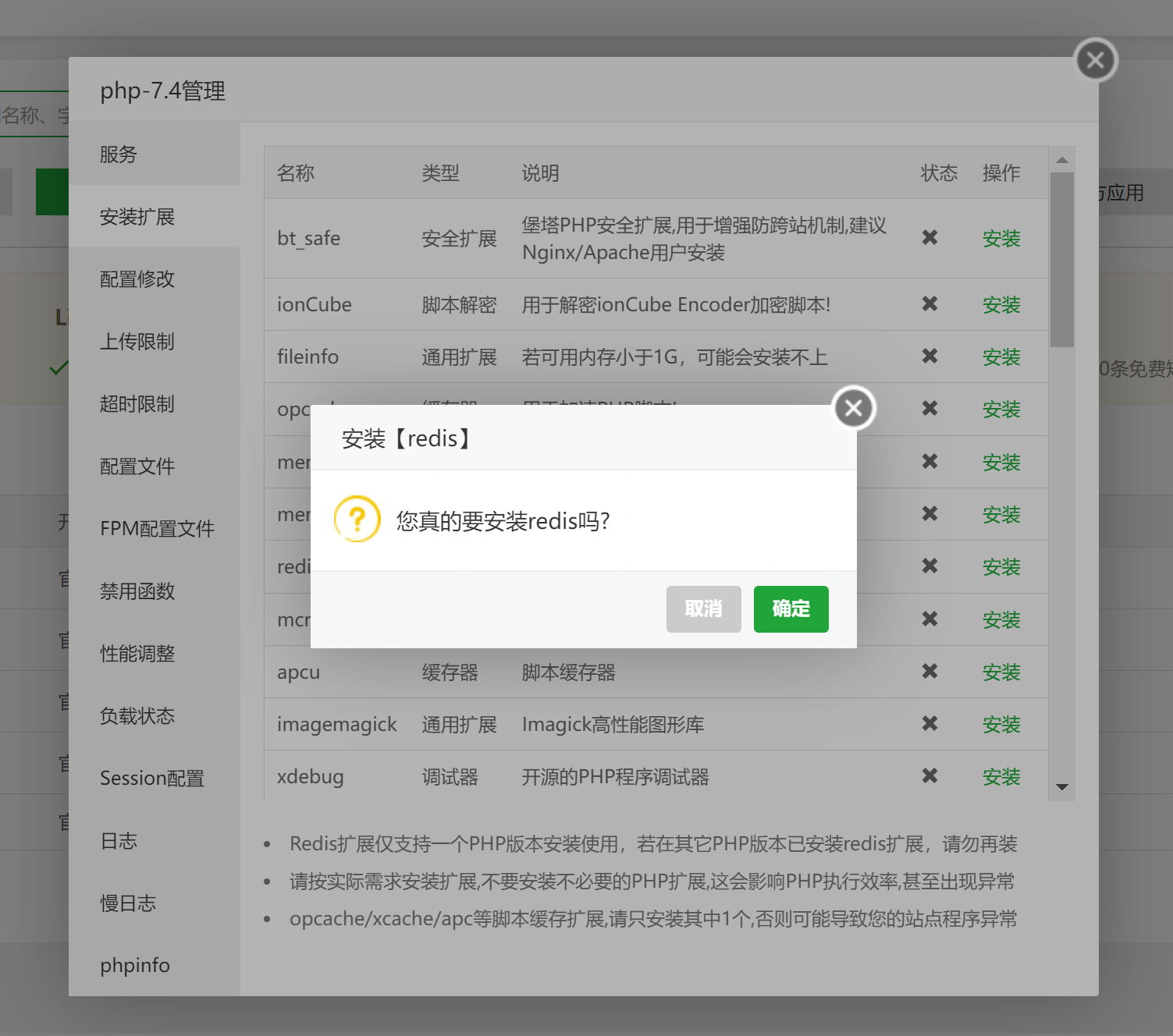
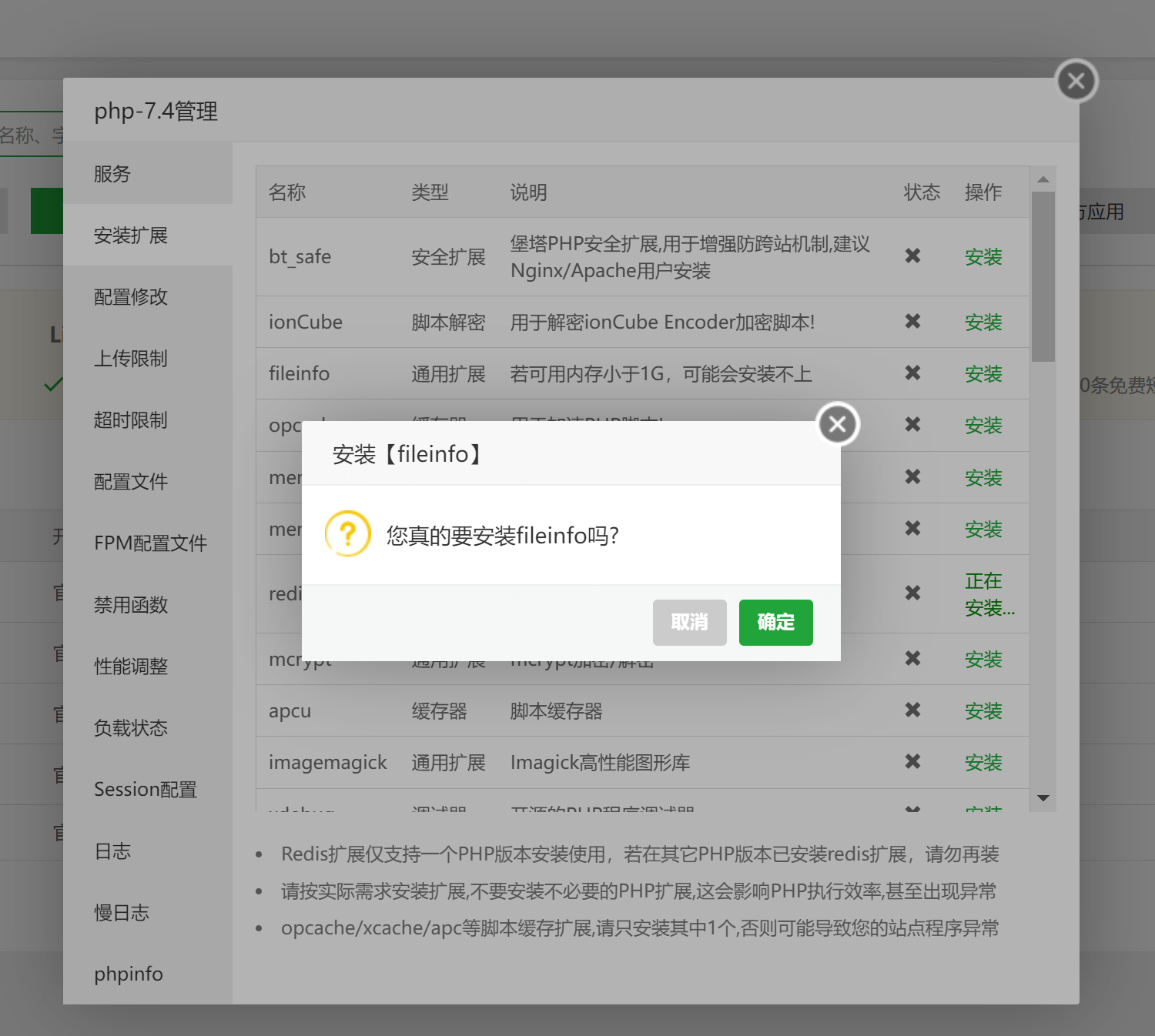
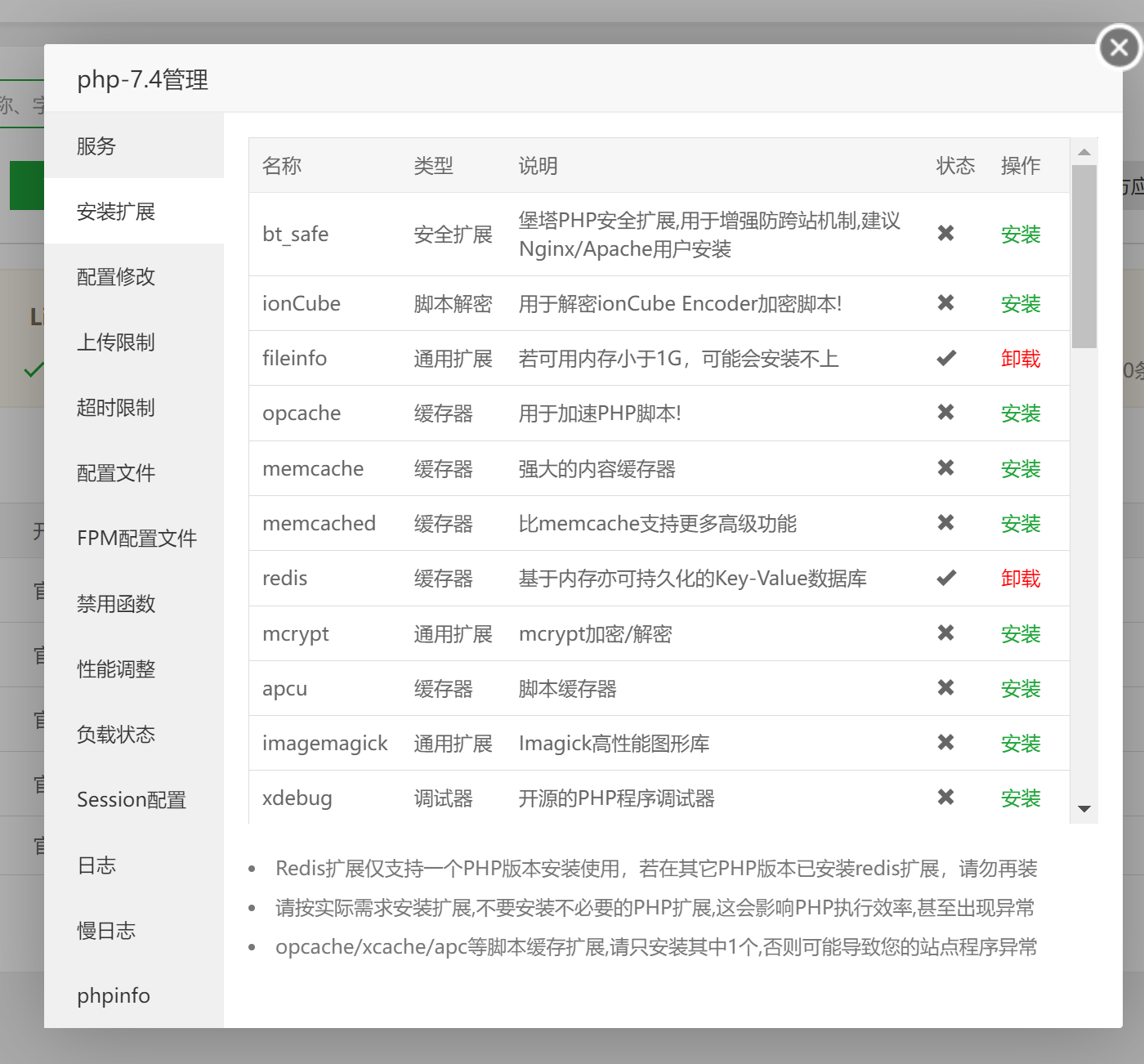
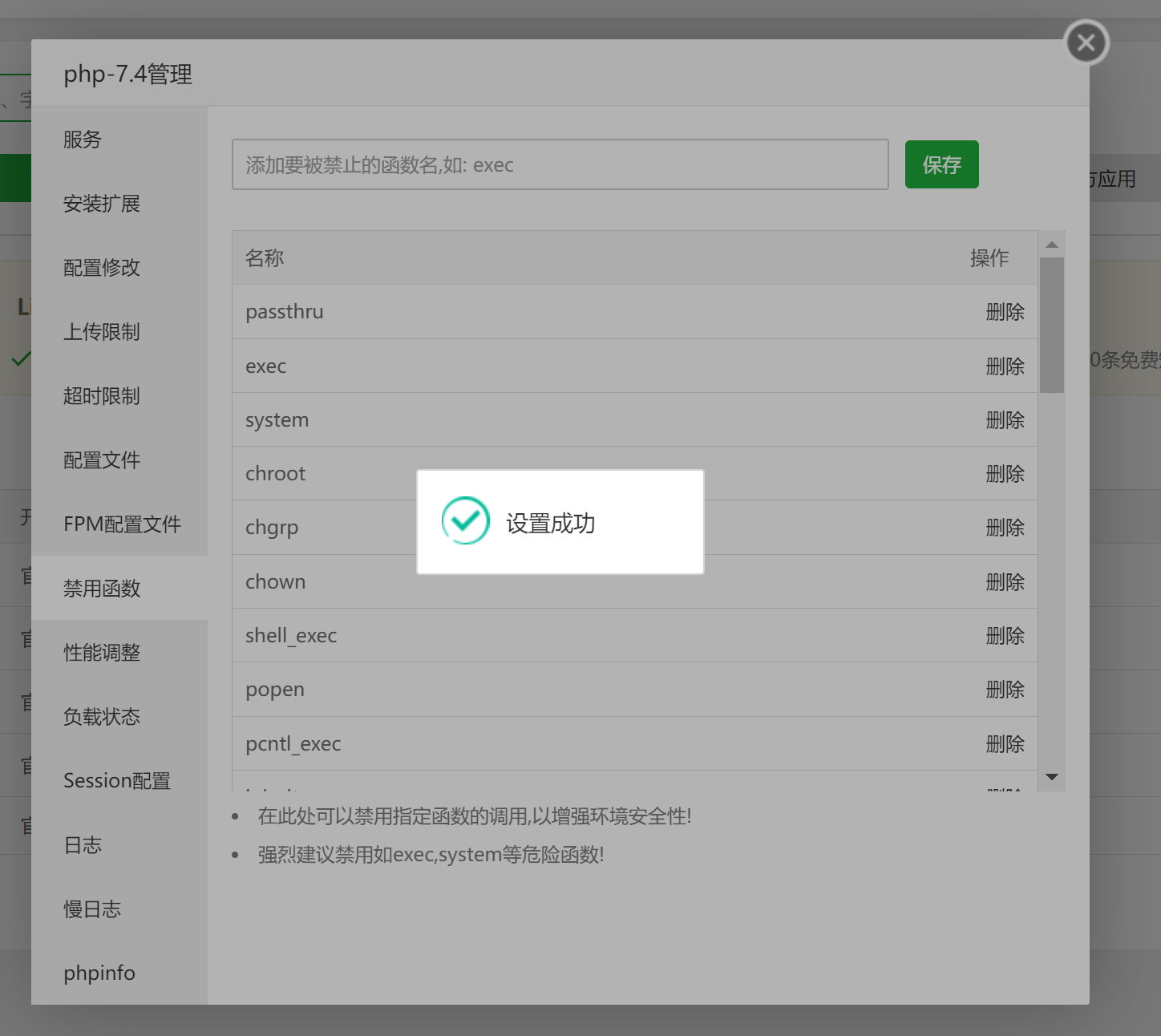
解除PHP函数限制
需解除四个函数:putenv、proc_open、pcntl_alarm、pcntl_signal
创建网站目录并删除目录下的文件
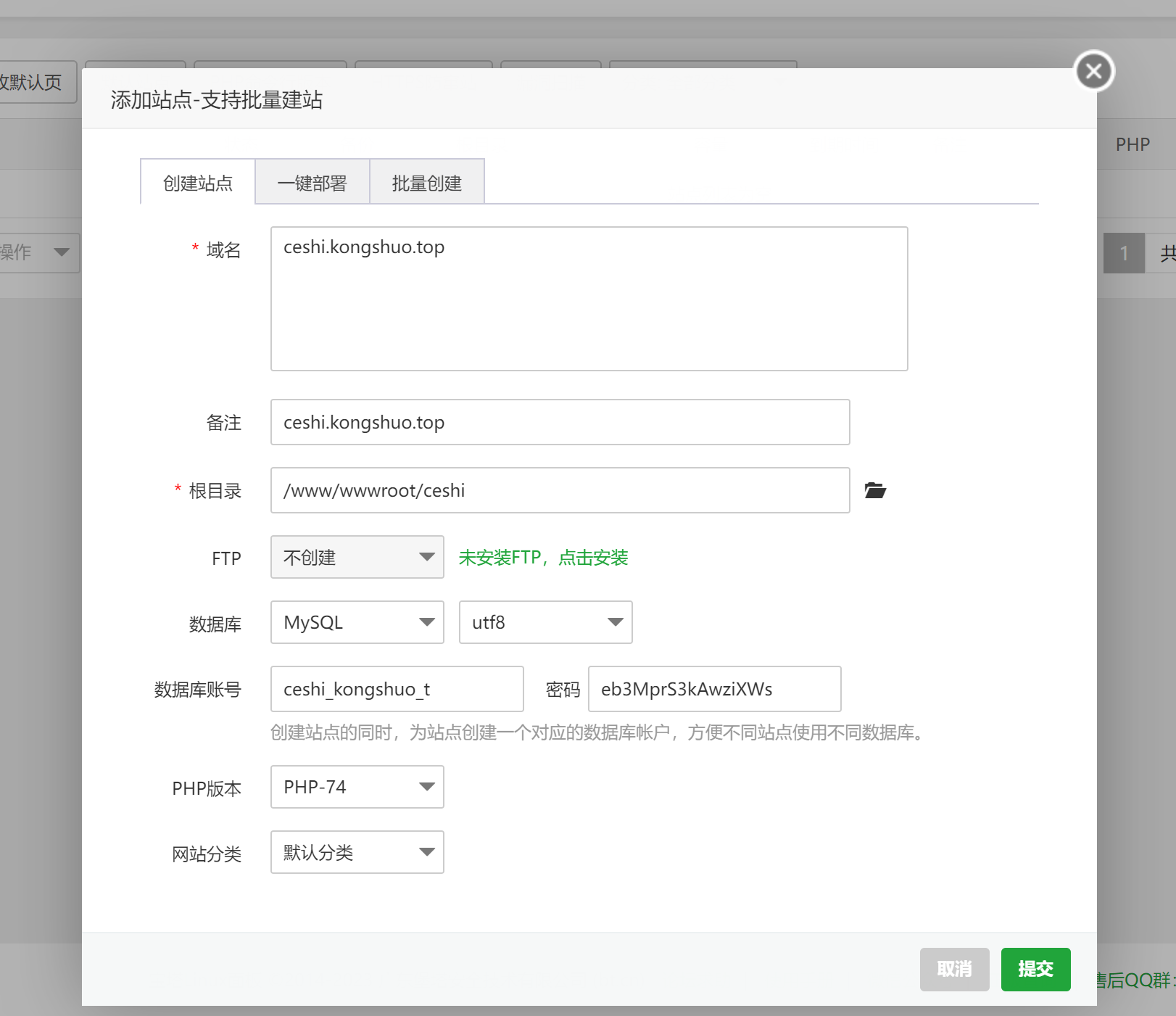
[root@ecs-fcd1 ~]# cd /www/wwwroot/ceshi.kongshuo.top/
[root@ecs-fcd1 ceshi]# chattr -i .user.ini
[root@ecs-fcd1 ceshi]# rm -rf .htaccess 404.html index.html .user.ini
克隆V2Board项目
[root@ecs-fcd1 ceshi]# git clone https://github.com/wyx2685/v2board.git
cd v2board/
#安装依赖
composer install
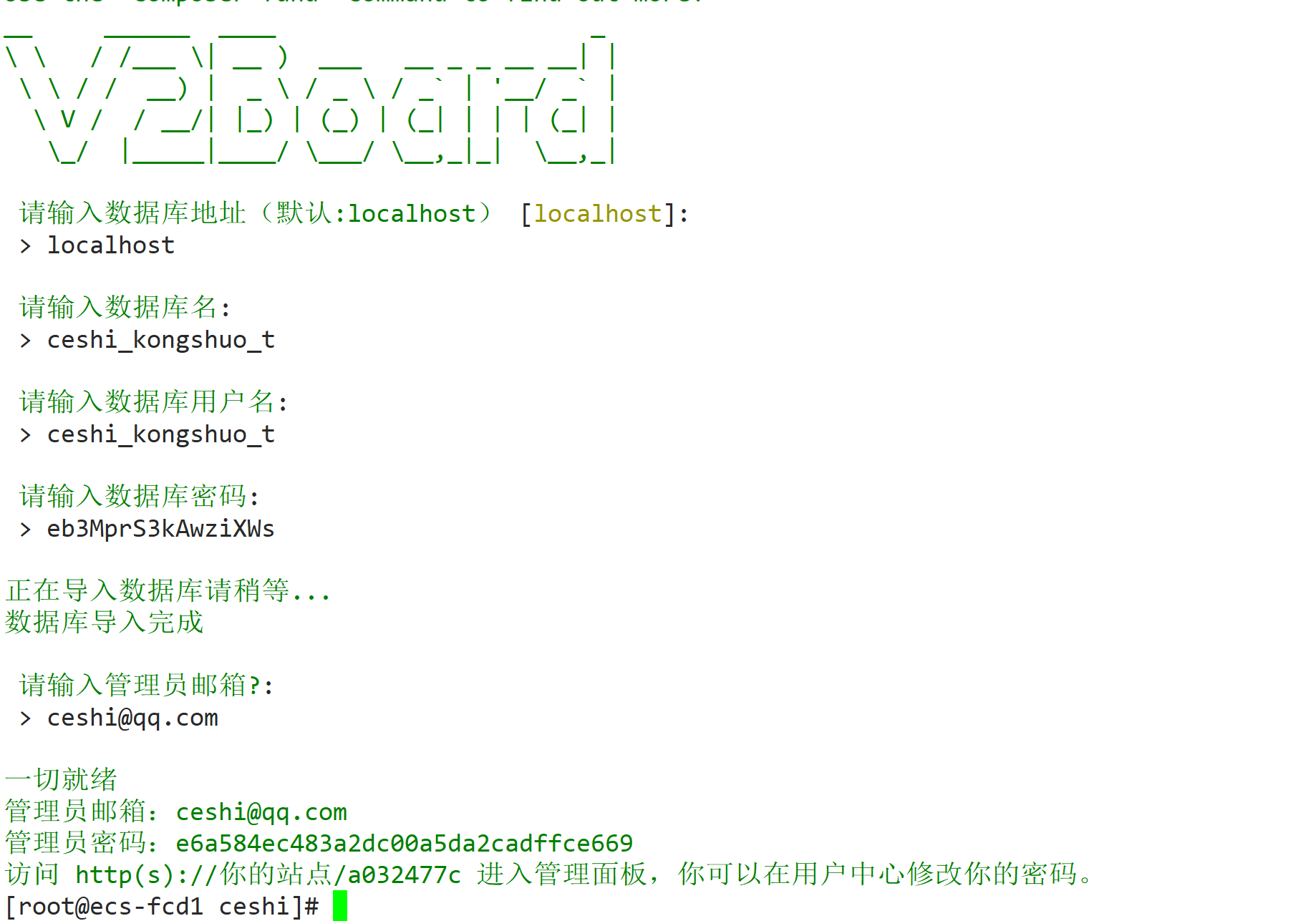
V2Board安装
php artisan v2board:install
按提示输入已经创建成功的数据库的信息,并输入管理员邮箱
给目录重新赋予权限
[root@ecs-fcd1 ceshi]# chown -R www:www *
chmod -R 755 v2board/
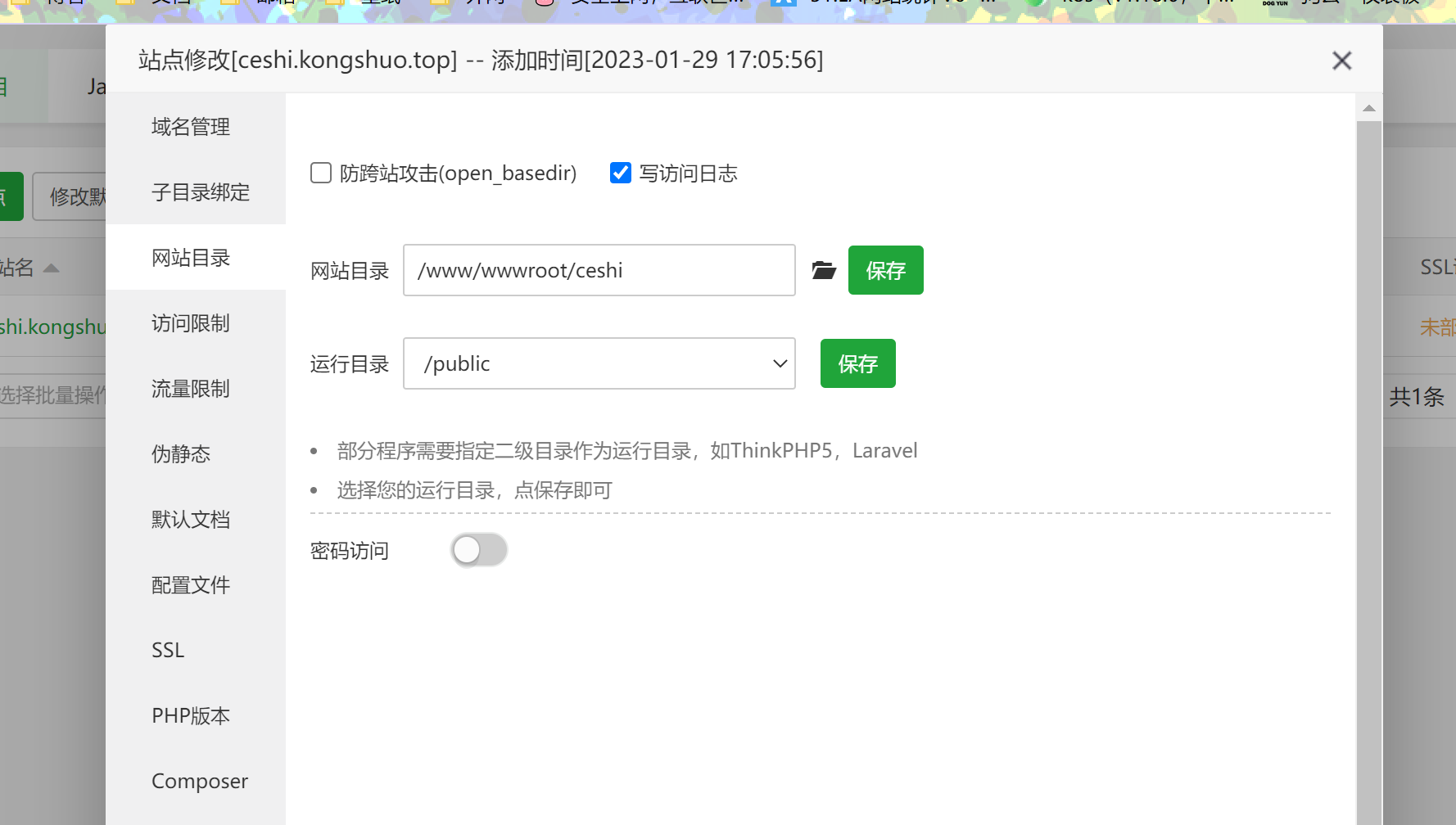
配置网站目录和伪静态规则
设置站点运行目录为/public
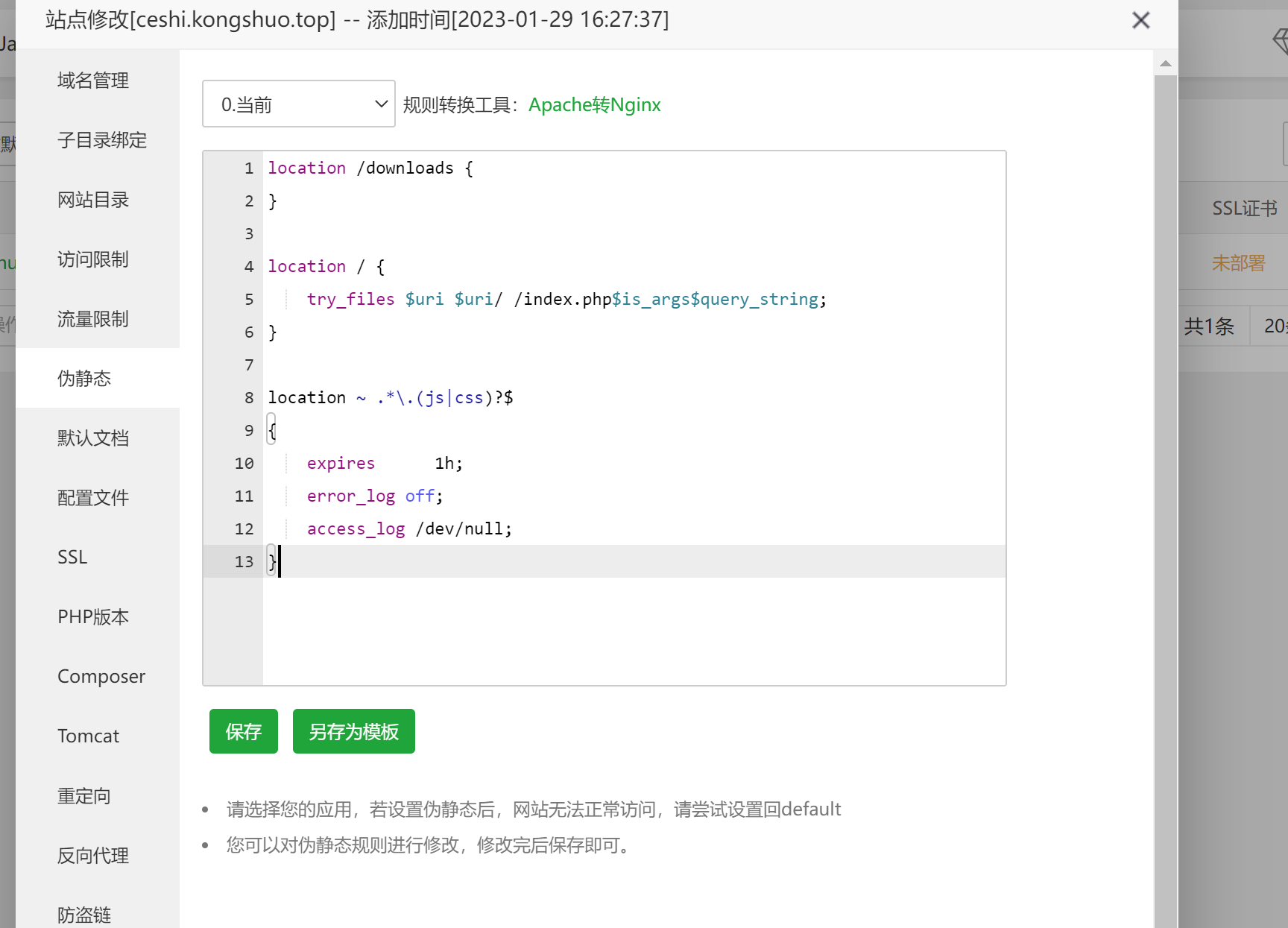
设置站点伪静态
location /downloads {
}

location / {
    try_files $uri $uri/ /index.php$is_args$query_string;
}

location ~ .*\.(js|css)?$
{
    expires      1h;
    error_log off;
    access_log /dev/null;
}
配置计划任务和启动队列服务
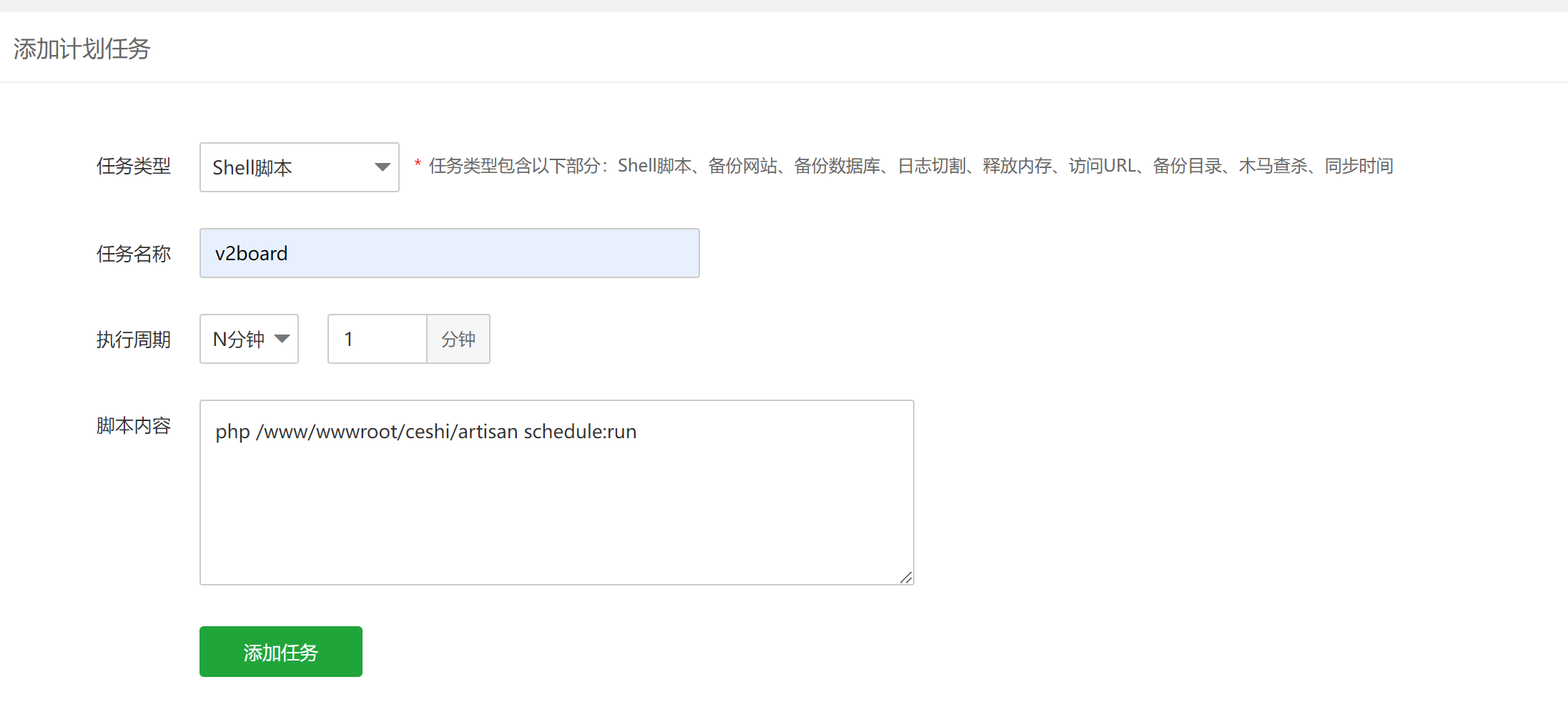
配置计划任务
1分钟运行一次
php /www/wwwroot/网站/artisan schedule:run
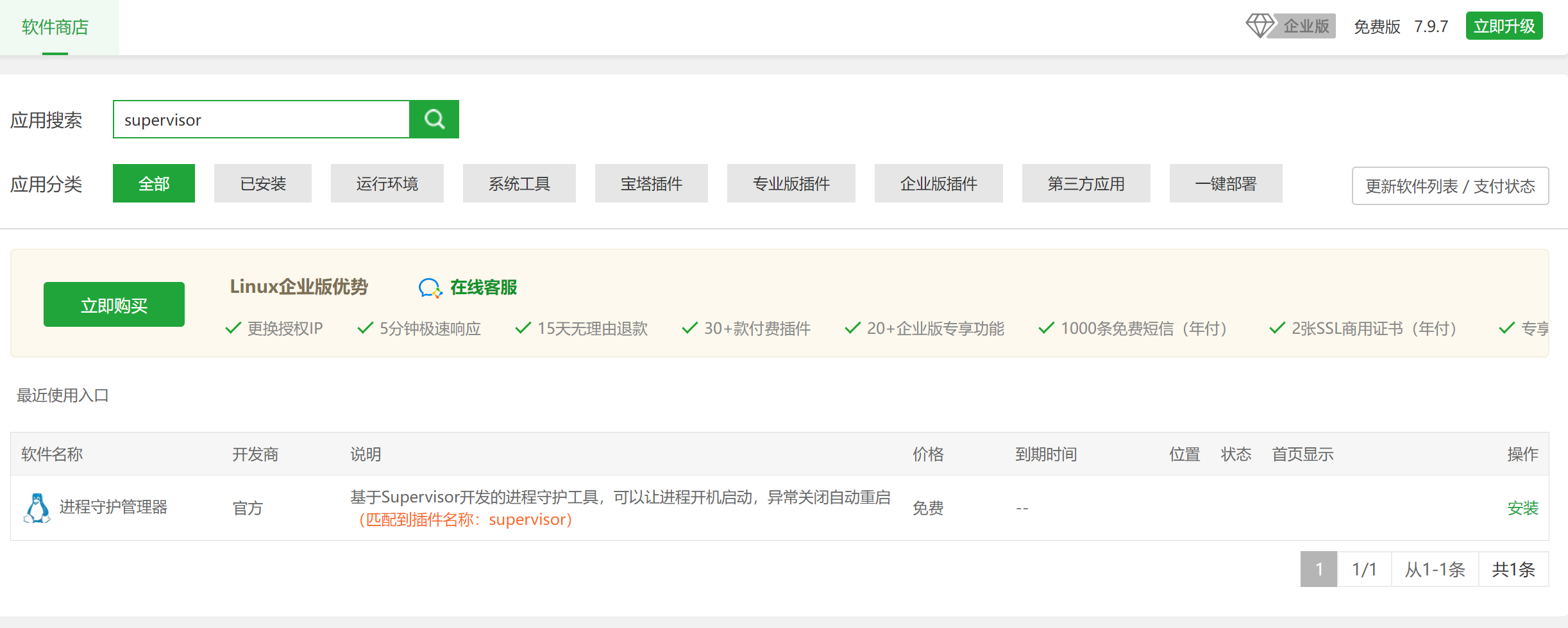
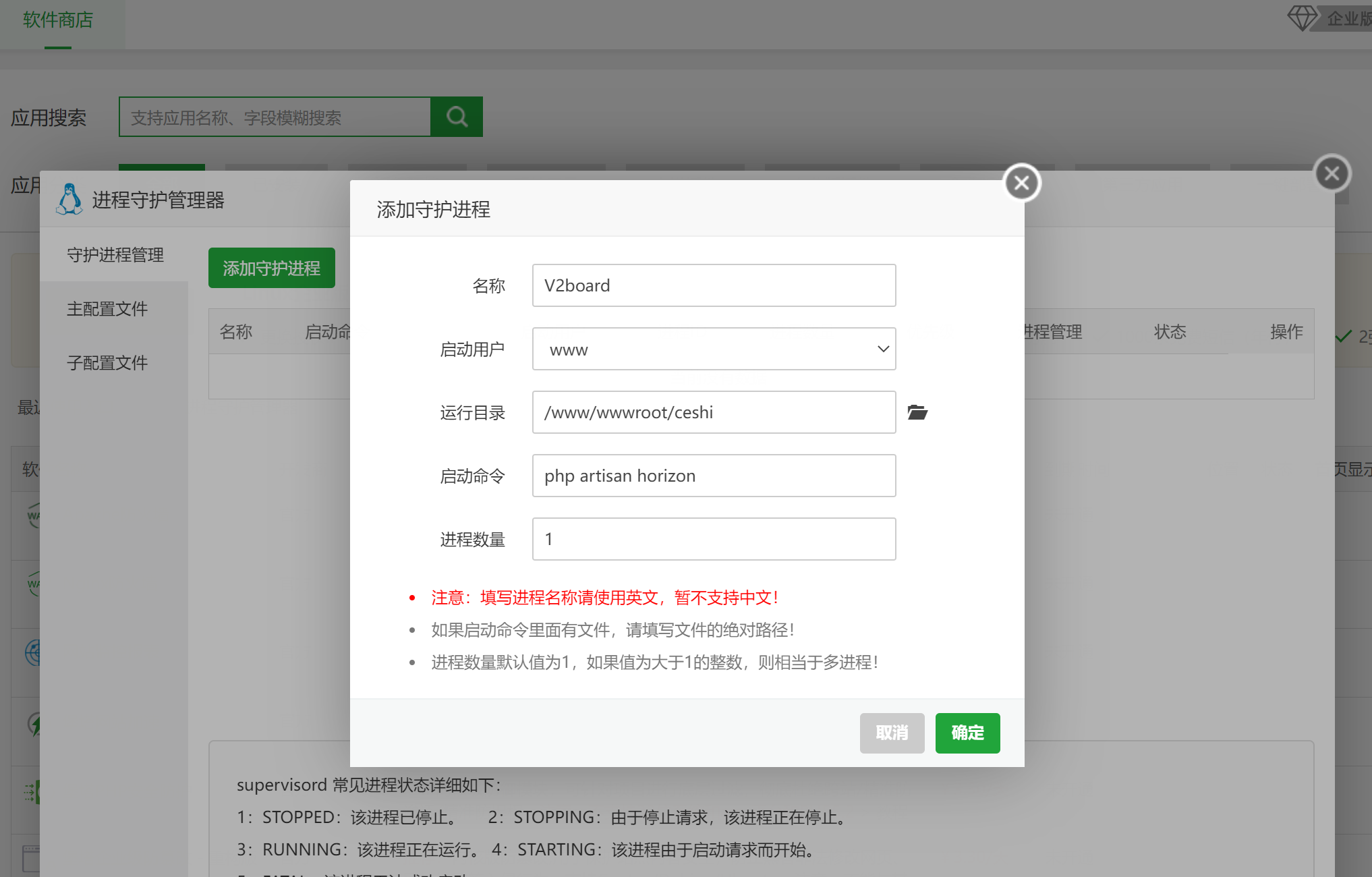
启动队列服务
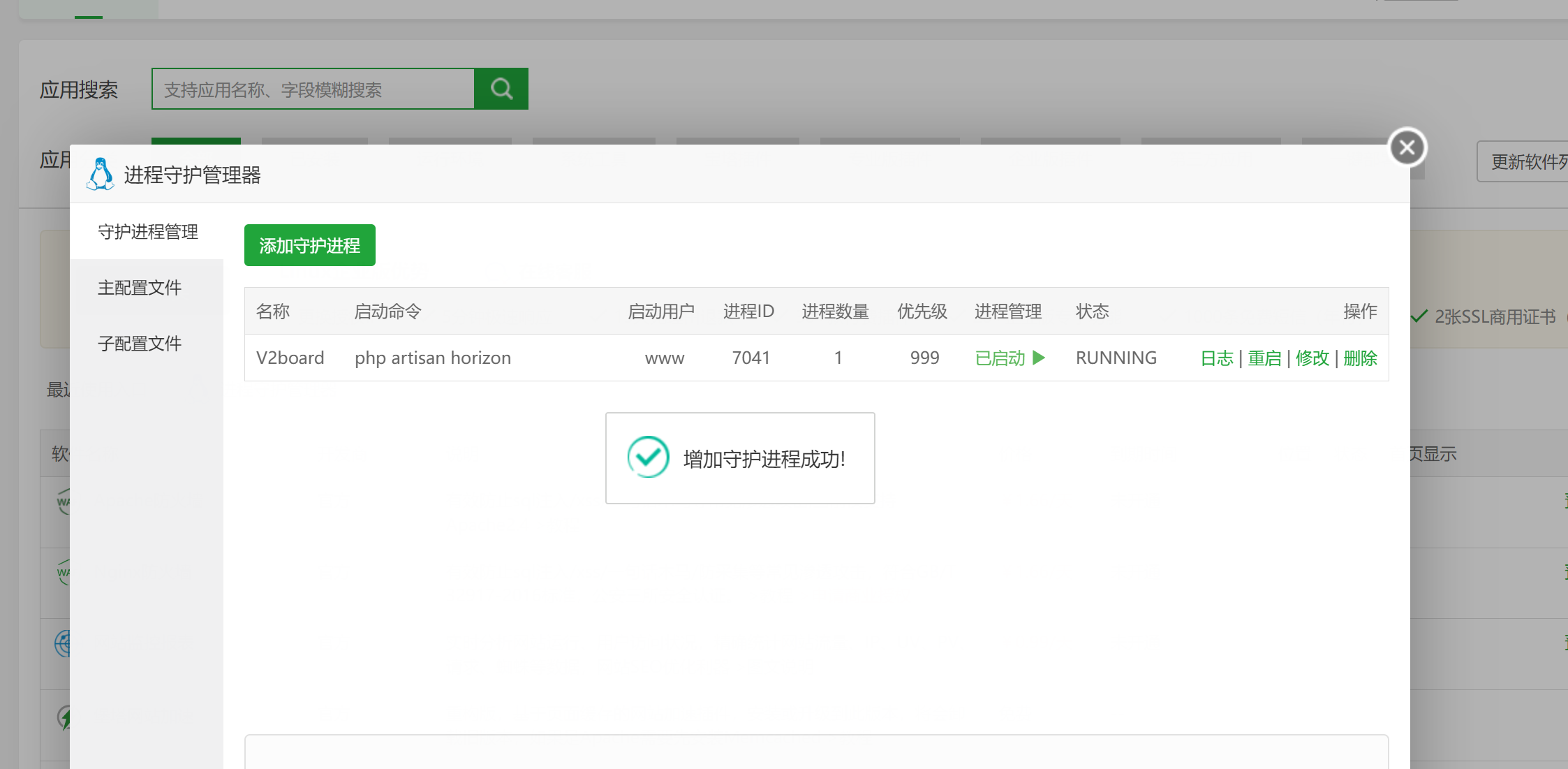
前端安装成功